
What is SalonGrid
The assistant your salon never had to hire.
SalonGrid is the assistant your salon never had to hire. It brings bookings, clients, payments, follow-ups, reporting, team management and more into one connected system, so you can spend less time managing the business and more time growing it.
In this article
- What SalonGrid does
- One system for your whole salon
- Who is SalonGrid for?
- Where to start
What SalonGrid does
SalonGrid takes care of the busy work behind your salon, from the moment a client books to the moment they come back.
- Get clients booked with a booking page that shows your services, options, prices, staff and available times.
- Manage appointments and keep your team's calendar clear, whether clients book online or walk in.
- Get paid with deposits, online payments and in-person payments, with every sale connected to the right client, service and staff member.
- Keep client relationships in one place with client history, reminders, follow-ups and rebooking.
- Bring clients back with loyalty, discounts and automated marketing.
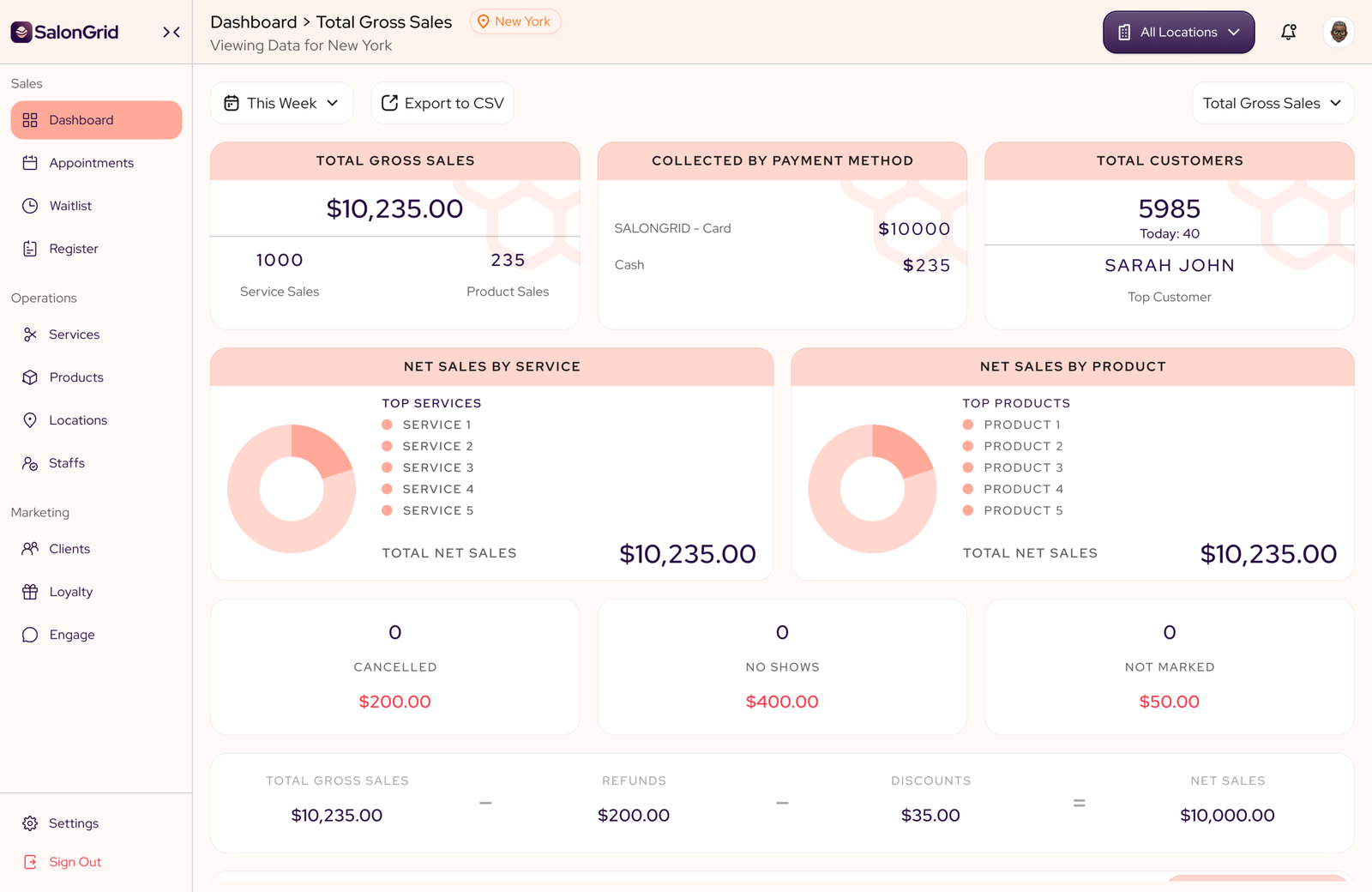
- Run the business with reporting that shows what's selling, what's slowing down and where you need to pay attention.
- Manage your team and stock with schedules, permissions, commissions, products and inventory.
One system for your whole salon
Clients can find you through Instagram, WhatsApp, Google, referrals, marketplaces or by walking through your door. SalonGrid gives you one place to manage what happens after they arrive.
From booking and payment to follow-up and rebooking, everything stays connected to the client and their history.
You can keep using the channels that bring customers in. SalonGrid helps you build the system behind the business.
Who is SalonGrid for?
SalonGrid is built for beauty businesses with a team, whether you run one location or several.
It works for:
- Hair salons
- Nail studios
- Lash and brow studios
- Spas
- Beauty and specialty salons
Whether your clients book ahead, message you or walk through the door, SalonGrid helps your team manage the entire customer journey.
Where to start
If you're new to SalonGrid, start here:
- Create your account.
- Set up your salon.
- Add your services.
- Add your team.
- Share your booking link.
- Take a tour of your dashboard.
Tip: You don't need to set up everything at once. Get through onboarding, get your booking link live and set up the rest as you need it.
Related: Create your account · Set up your salon
Updated 2 days ago