
Close out your day
Review the day's takings, then lock the drawer
Closing out has two halves: the Daily Summary, where you review everything that happened, and the Cash Register, where you count and lock the drawer. Between them you end the day with your books already balanced.
In this article
- See the day's takings
- Close the register
See the day's takings
The Daily Summary tab lists every sale and transaction for the day. From here you can:
- Open a receipt for any sale.
- Refund a sale.
- Reassign a sale to the right team member.
- Check the daily totals.
- Filter by date to look back at an earlier day.
Close the register
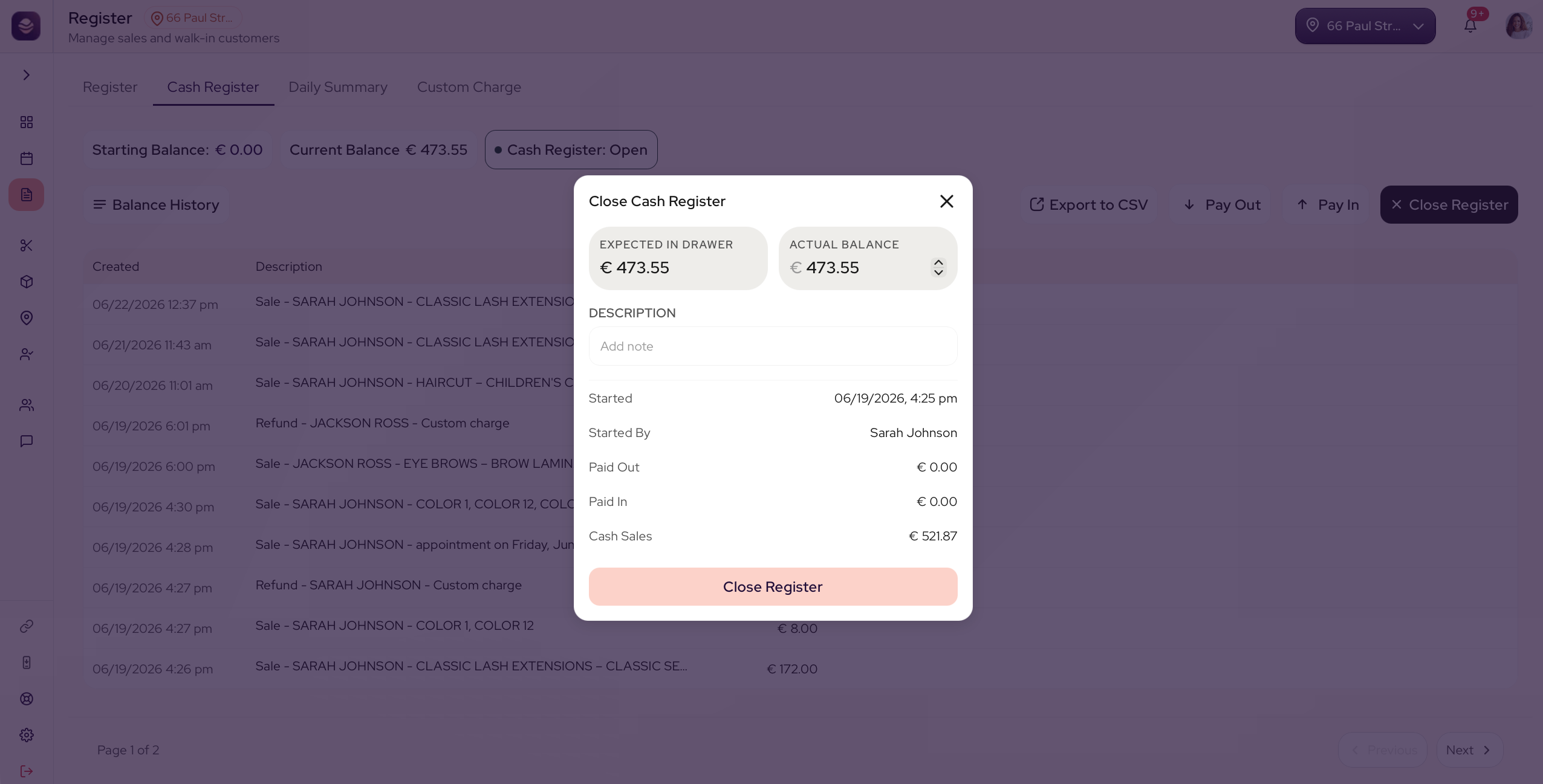
When the takings look right, count and close the cash drawer in the Cash Register tab. Enter the closing count, check it against the expected balance and confirm. See manage your cash drawer for the full steps.
Note: Closing the register is for managers and owners. Your wider team can ring up sales, but only a manager or owner closes the day.
Updated 3 months ago
Did this page help you?