
Charge an appointment
Take payment without leaving the booking.
When it is time to take payment, you can charge an appointment straight from the calendar, with the total already worked out for you.
In this article
- Charge an appointment
Charge an appointment
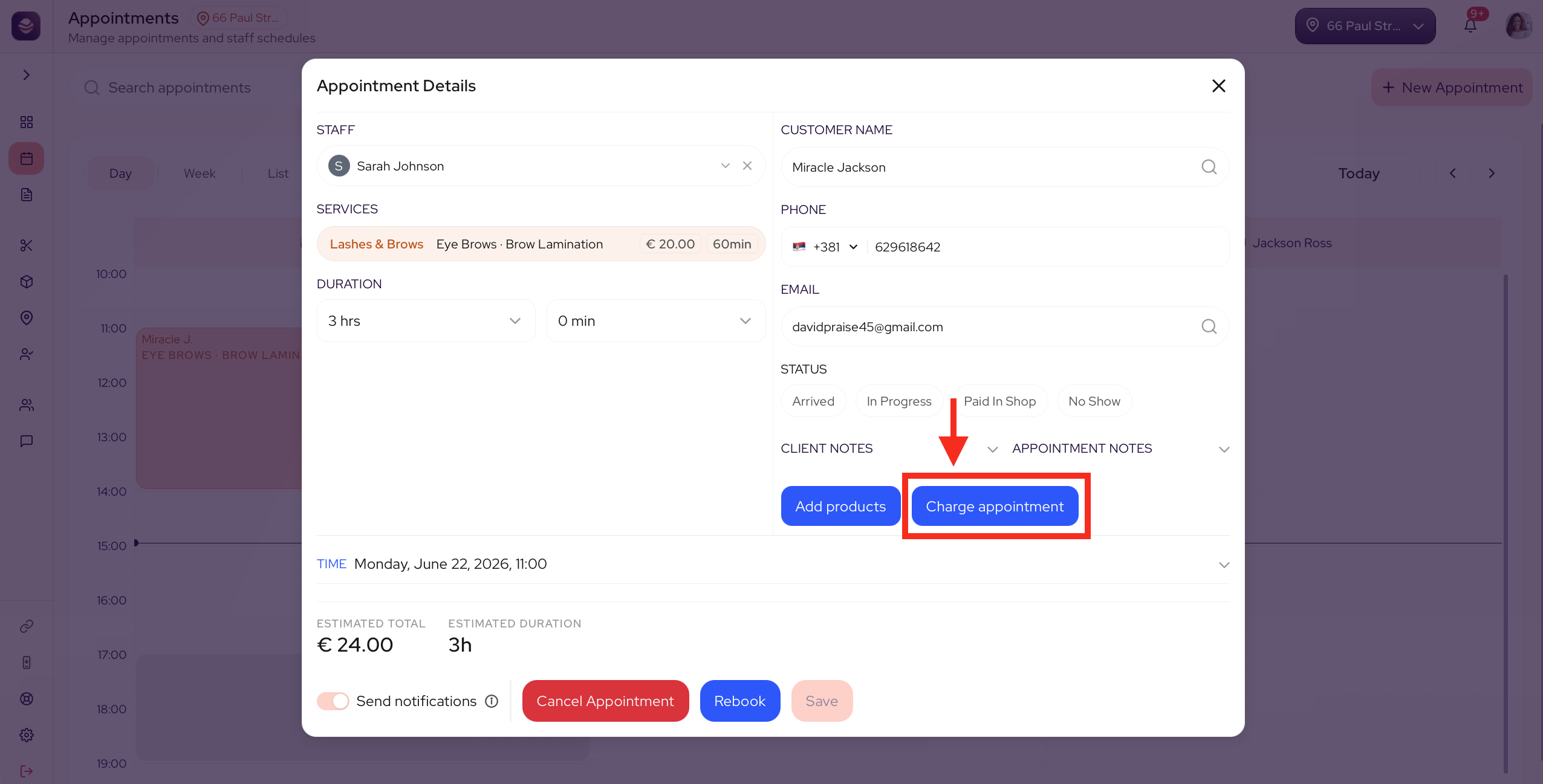
- Open the appointment.
- Select Charge appointment.
- Check the total to charge. Add a late fee if your policy allows it and the client was late.
- Take the payment.
The appointment is marked as paid, and it counts towards your sales for the day.
Tip: Late fees come from your booking policy. Once they are on, you can add one here with a tap.
Updated 3 months ago
Did this page help you?