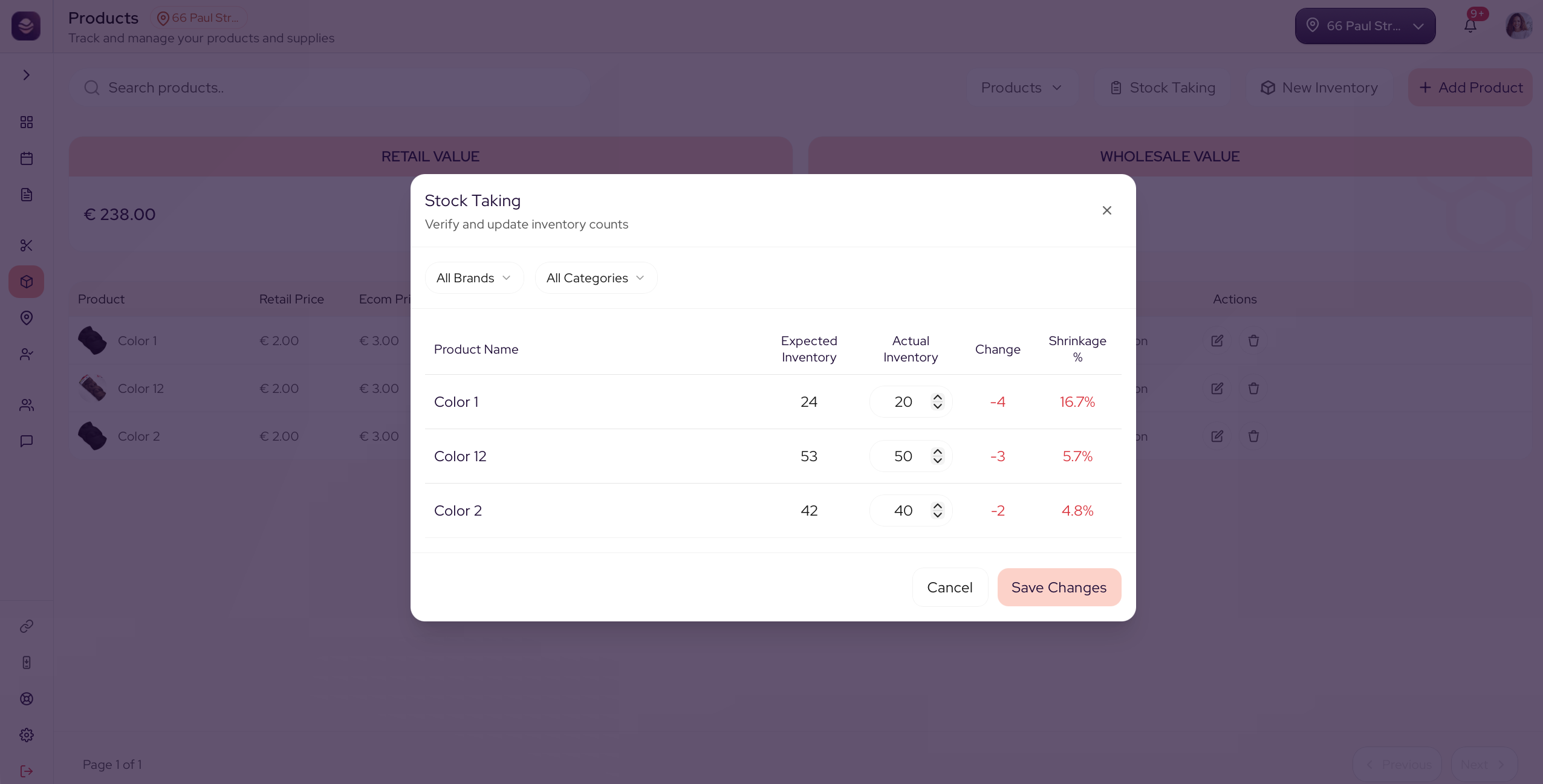
Knowledge BasePRODUCTSDo a stock takeCount your shelf and put your numbers rightA stock-take is a count of what is really on your shelf. It puts your numbers right, so what SalonGrid shows matches what you can see. 📘In this article Do a stock-take Do a stock-take Go to Products. Open Stock Taking. Enter the real count for each product. Save the stock-take. SalonGrid updates each product to match your count. Updated 21 days ago Track your stockLOCATIONSDid this page help you?YesNoCopy PageDo a stock-take