
Add add-on
Let clients add an extra to any booking
Add-ons are extras a client can add to a service, like a deep conditioning treatment or a nail repair. They lift the value of each booking with no back and forth.
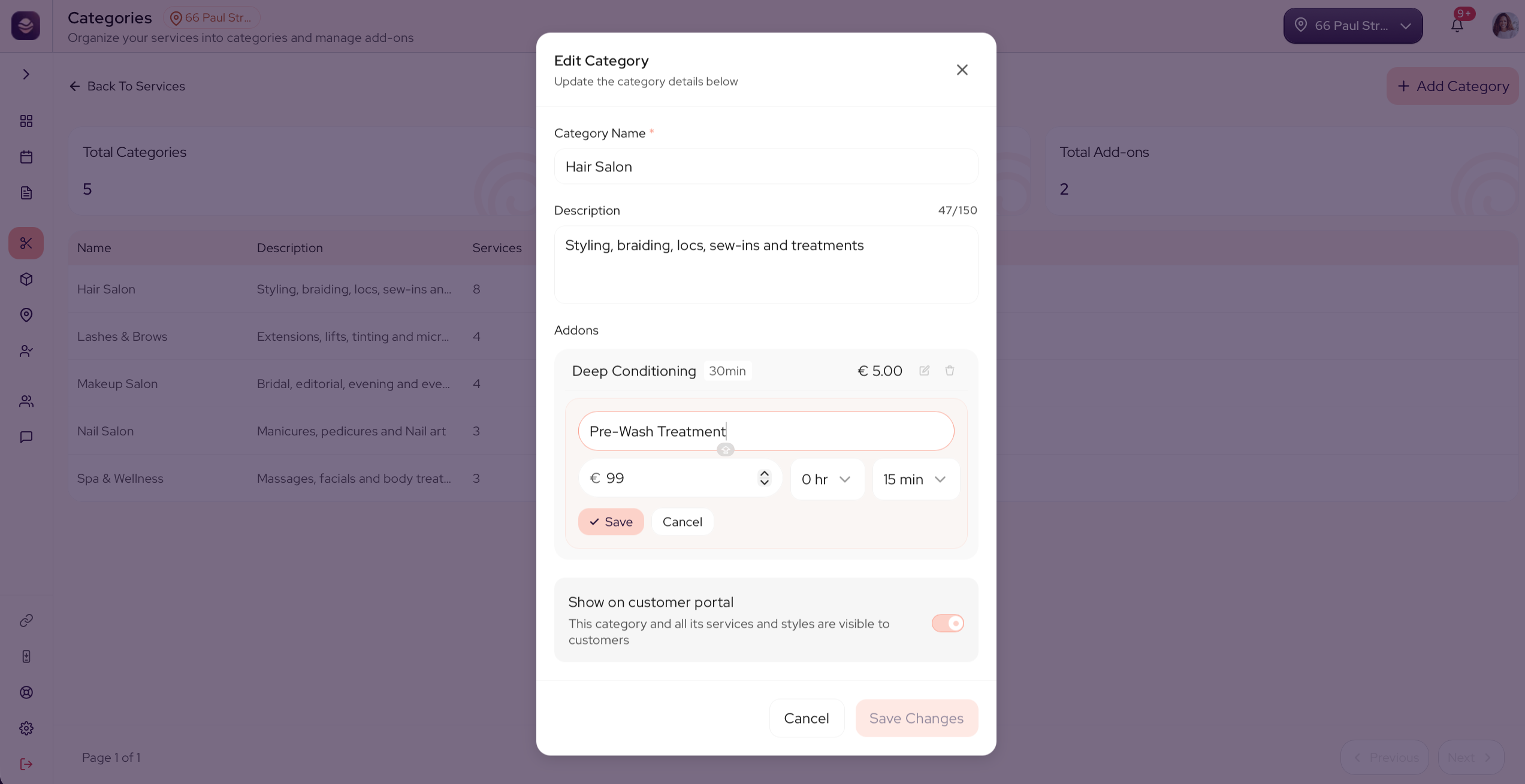
Add an add-on
Add-ons belong to a category, so every service in that category can offer them.
- Go to Services and open a category.
- Select Add Add-on.
- Give it a name, like Deep Conditioning.
- Set a price, or mark it free.
- Save your changes.
Every service in that category now offers the add-on, on your booking page and at the register.
Updated 21 days ago
Did this page help you?