
Add a service
Create a service and its first style in one flow
A service is the work a client books, like Braids or a Gel Manicure. When you add one, SalonGrid walks you through its details, its first style and any extras, step by step.
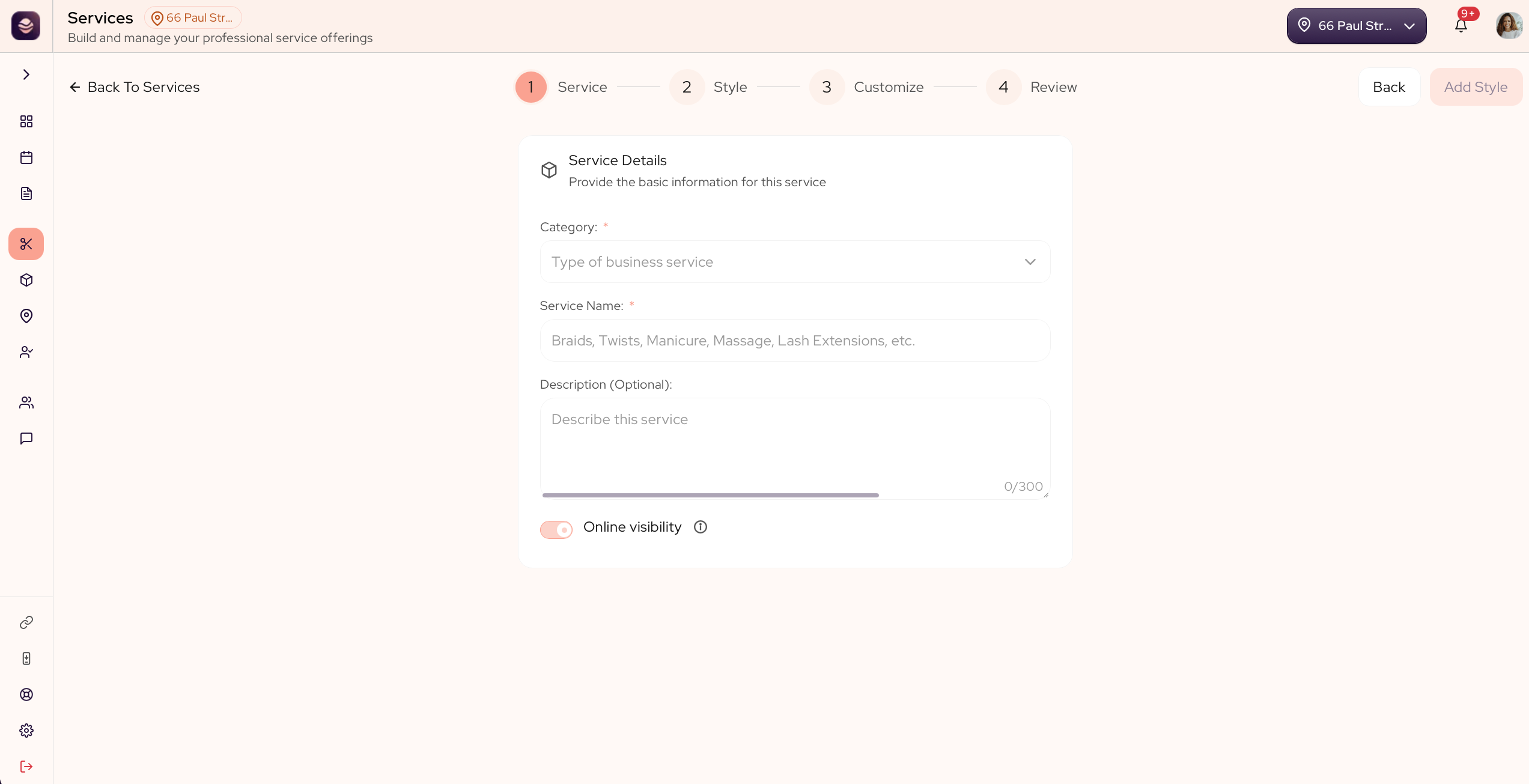
Add a service
Adding a service is a short wizard with four steps: Service, Style, Customize and Review.
- Go to Services.
- Select Add Service.
- Service: choose the category it belongs to and enter the service details.
- Style: add its first style, with a base price and a duration. There is more on this in Add a style.
- Customize: add any variants, so the price fits each client's choices. See Add variants.
- Review: check it over and save.
Your service now shows on your booking page and in your register.
Note: Add-ons are not set here. They live on the category, so every service in it can offer them. See Add add-ons.
Updated 21 days ago
Did this page help you?