
DASHBOARD
See What your Salon Brings in for your business.
Your dashboard turns every booking, sale and payment into a clear picture of how the salon is doing. This page shows you how to move around it. Each report then has its own page with every figure explained.
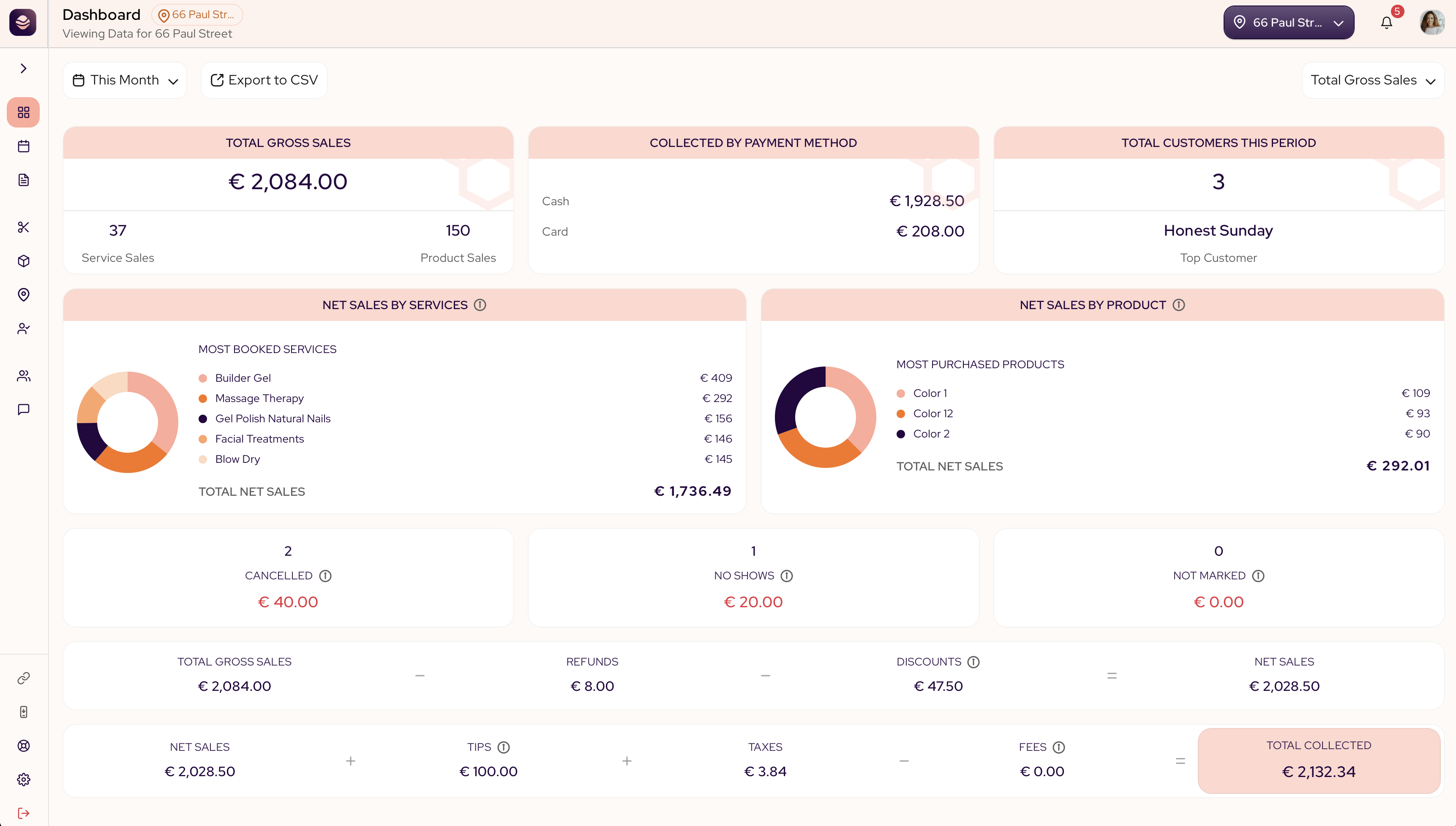
Pick a report
The dropdown at the top right switches between reports. Each one answers a different question:
- Total gross sales shows the money in and out at a glance.
- Appointment report lists every booking with its full detail.
- Deposits report shows deposits collected, balances owed, and what you've kept from no-shows and late cancellations.
- Sales by service shows which services, styles and add-ons bring in the money.
- Sales by product shows which products sell.
- Customer retention shows how many clients come back.
- Staff performance shows what each team member brings in. Available on the paid SalonGrid plan.
- Executive summary compares your locations. Available on the paid SalonGrid plan.
Set the date range
Use the range at the top to choose the period. You can pick Today, Yesterday, This Week, This Month, This Quarter, This Year, Last Year or a custom range.
Switch location
If your salon runs in more than one place, pick a location at the top to see only its numbers.
Export your numbers
Use Export to CSV to take any report into a spreadsheet for your records or your accountant. You enter an email address and SalonGrid sends the file there, so a long date range keeps building in the background instead of tying up the page.
In this section
Updated 14 days ago