
Cancel an appointment
Free up the slot when a booking falls through.
When a client cancels or cannot make it, cancelling the appointment frees up the slot and keeps your calendar accurate.
In this article
- Cancel an appointment
Cancel an appointment
- Open the appointment.
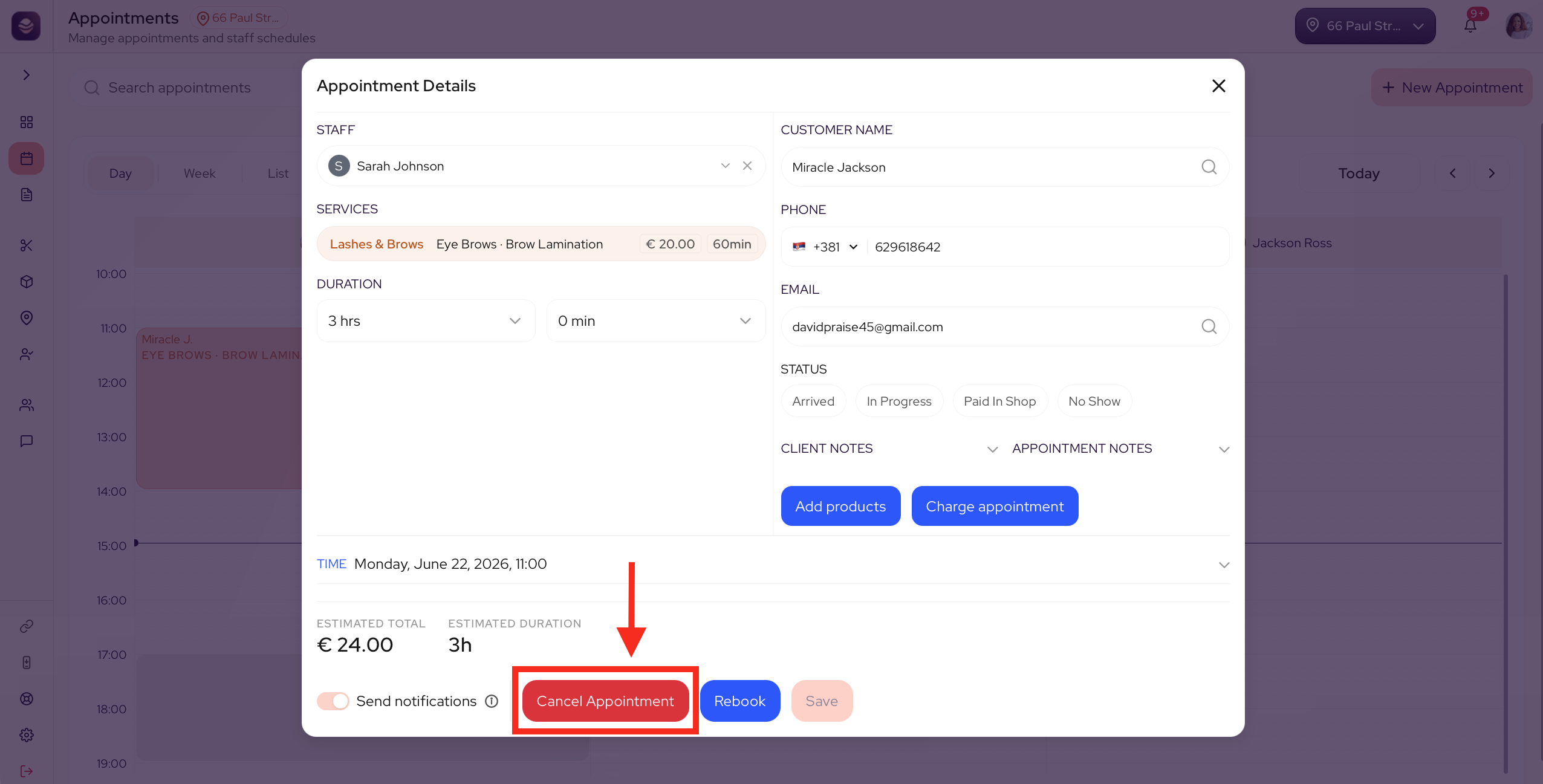
- Select Cancel Appointment.
- Confirm the cancellation.
The slot opens back up for another booking.
Note: Cancelled appointments are not counted in your sales. If a deposit was taken, your deposit and cancellation policy decides what happens to it.
Updated 3 months ago
Did this page help you?