
Track your stock
Know what is on the shelf, and what is running low
SalonGrid keeps a running count of your stock as you sell. When an item runs low, it tells you, so you reorder before you run out.
See your stock
Each product shows how many you have left. As you sell at the register, the count goes down on its own.
Low-stock alerts
Set a Low Inventory level on a product, and SalonGrid flags it when stock drops to that point. Watch for the alert so a best-seller is never out when a client wants it. You set this level when you add or edit a product.
Add more stock
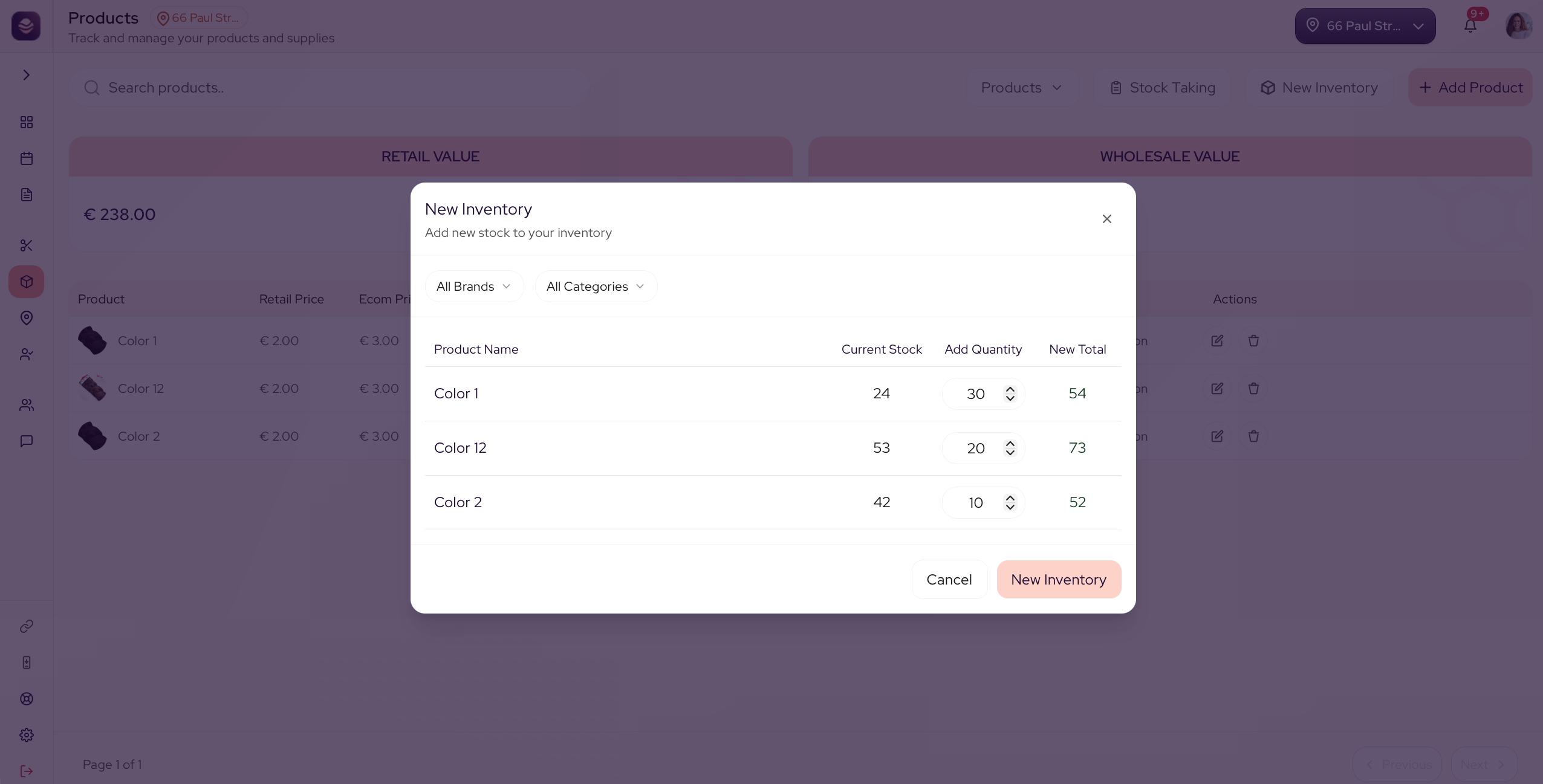
When new stock arrives, use New Inventory on the Products screen to add it, so your count stays true.
Updated 21 days ago
Did this page help you?