
Currency
Set the currency your prices show in
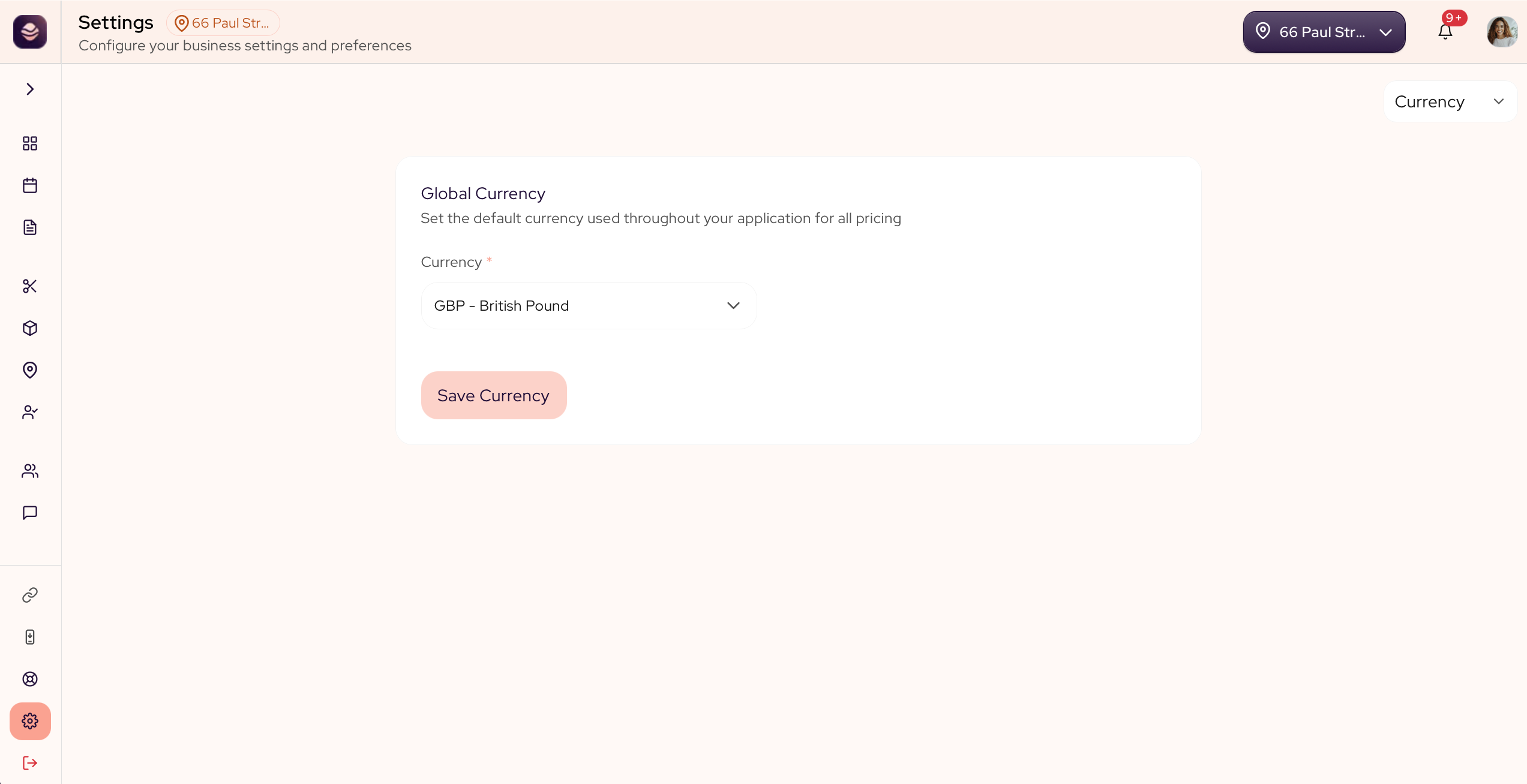
Set the currency your salon works in, so every price shows the right way across SalonGrid.
In this article
- Change your currency
Change your currency
- Go to Settings.
- Open your currency setting.
- Choose your currency.
- Save your change.
Note: Your currency sets how every price shows, across your booking page, your register and your reports.
Updated about 1 month ago
Did this page help you?