
SERVICE MENU
The structured menu that quotes the exact price, every time.
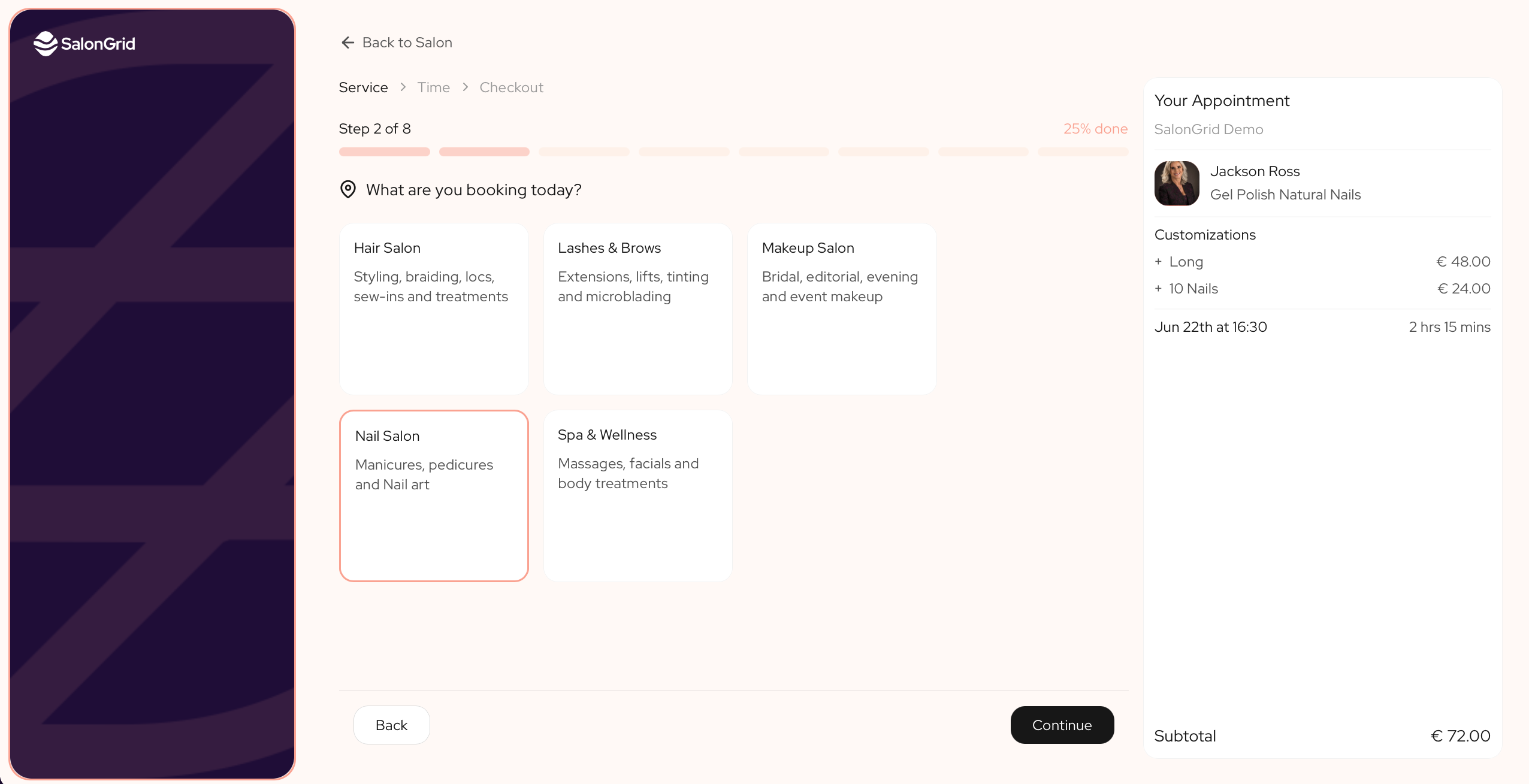
Your service menu is the engine behind SalonGrid. Instead of one long list with vague "from" prices, it guides each client through a few simple choices and quotes the exact price before they book. This is what makes a complex service feel like a conversation, not a form.
Try it yourself: https://book.salongrid.com/s/salongrid-demo/book
In this article
- How your menu is built
- Why it matters
How your menu is built
Think of your menu the way you think of your whole booking. It nests, broad to specific, and each level holds many of the next:
- A category holds many services, like Hair, Nails or Lashes.
- A service holds many styles, like a Braids service that offers Knotless, Box and Feed-in.
- A style holds its variants, the questions that shape the price, like size, length or hair type. You can add up to six.
So one category fans out into services, each service into styles, and each style into the variants that decide the exact price.
Here is one path through it:
Hair (category) → Braids (service) → Knotless (style) → Length: Waist and Hair type: Synthetic (variants). The client picks each one, and the price builds as they go.
On top of this, add-ons let a client add an extra to their booking, like a deep conditioning treatment. Add-ons sit on the category, so every service in it can offer them.
Why it matters
Because the price is built from real choices, your client sees the true cost before they confirm, and you capture the consultation without a single DM. The same structure powers your booking page, your register and your reports, so what you build once works everywhere.
Tip: In a hurry? Start from a template to fill your menu in minutes, then make it your own.
In this section
Updated 3 months ago