
Refund a sale
Give money back and keep your records straight
When you need to give money back, a refund keeps your records straight and your dashboard honest.
In this article
- Refund a sale
Refund a sale
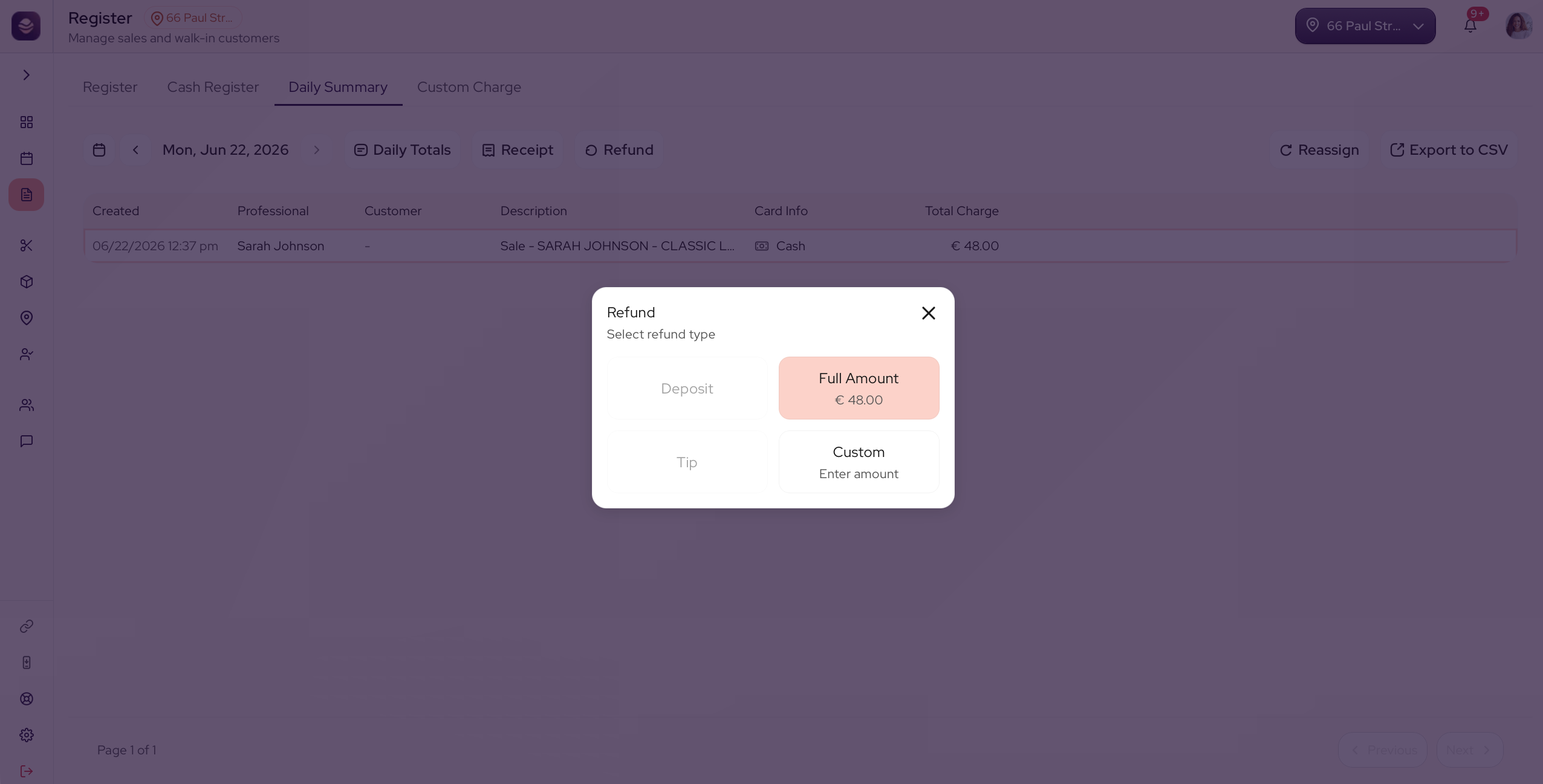
- Open the daily summary.
- Find the sale you need to refund.
- Select refund and confirm the amount.
The refund is recorded against the sale, and your net sales update to match.
Note: Refunds show on your dashboard, so your totals always reflect what really happened.
Updated 3 months ago
Did this page help you?