
Send a receipt
Open a sale's receipt and send it to the client
Every sale keeps a receipt. Open it to check what was sold, or send it to the client by text or email when they ask for proof of payment.
In this article
- Open and send a receipt
Open and send a receipt
- Open the Register and go to the Daily Summary tab.
- Select the sale you want.
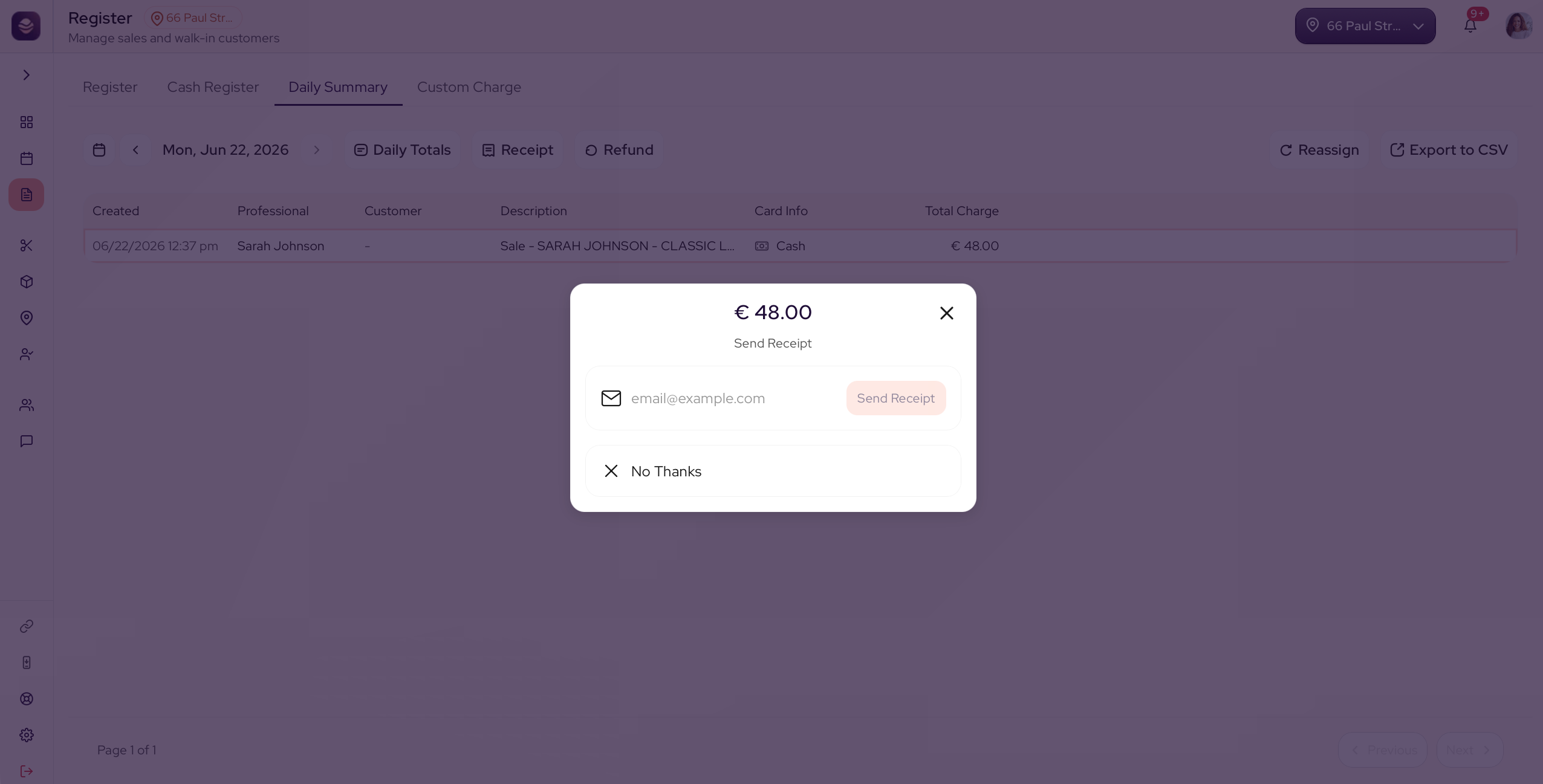
- Open its Receipt.
- Check the receipt, then send it:
- By email to their email address.
The client's phone and email fill in for you if they are on the sale. Change them if the client wants the receipt sent somewhere else.
Tip: Looking for an older receipt? Change the date in the Daily Summary to the day of the sale, then open it from there.
Updated 3 months ago
Did this page help you?