
Discounts
Set up discounts your team applies at checkout
Discounts let your team take money off a sale at the register, for a regular, a goodwill gesture or a quiet day. You set one up once and it is ready to apply.
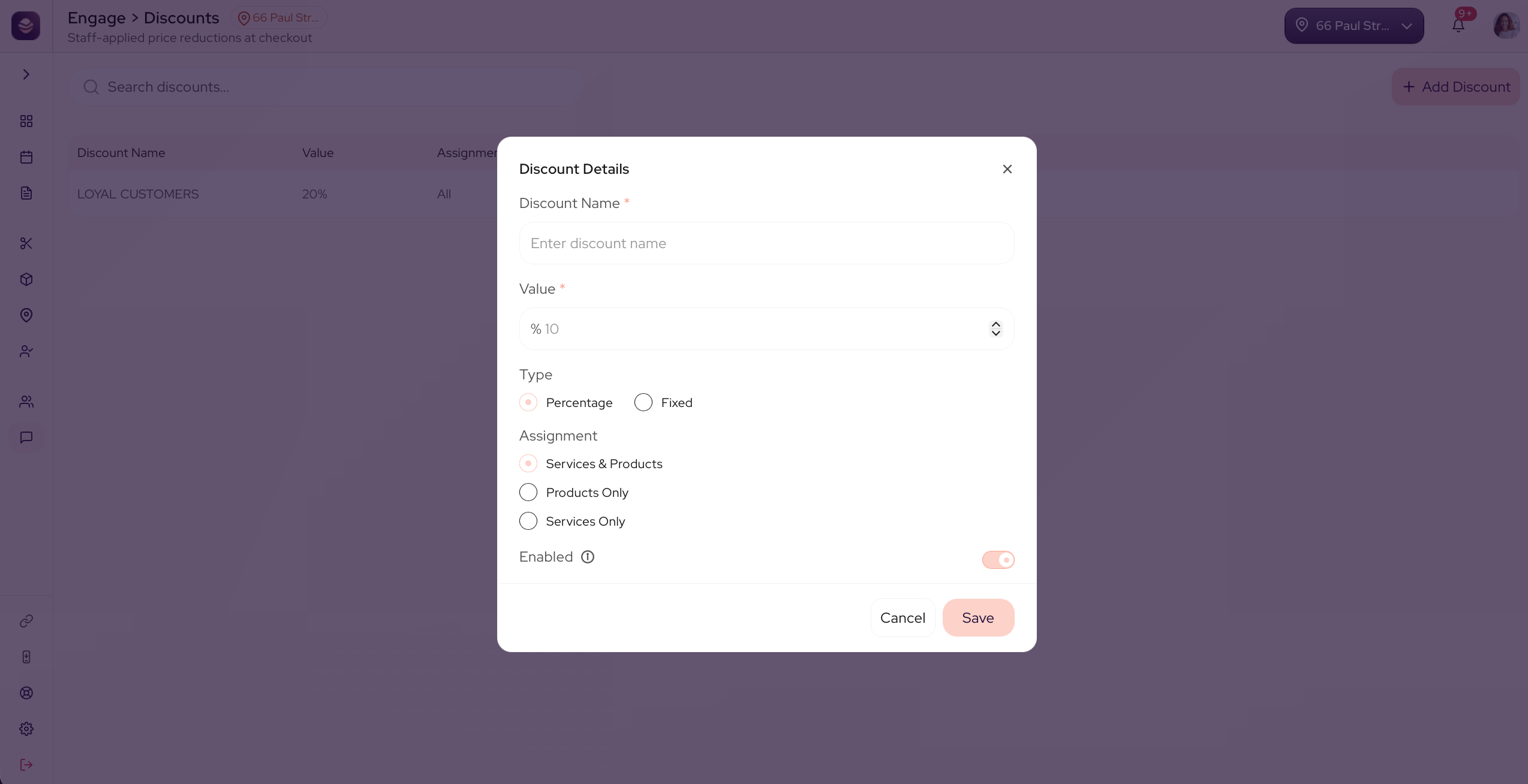
Create a discount
- Go to Engage and open Discounts.
- Select Add Discount.
- Enter a Discount Name, like Friends and Family.
- Choose a Type:
- Percentage takes a percent off, like 10%.
- Fixed takes a set amount off.
- Enter the Value.
- Choose what it applies to, Services & Products or Services Only.
- Save the discount.
Your team can now apply the discount at the register, and it shows on your dashboard under discounts.
Updated 21 days ago
Did this page help you?