
Start from a template
Build your menu in minutes from a ready-made set.
You do not have to build your whole menu by hand. SalonGrid comes with ready-made templates for different kinds of salon, so you can import a full set of services and styles, then make them your own.
Why use a template
A template fills your menu with the categories, services and styles a salon like yours usually offers. It is the fastest way to go from empty to ready, and you can change anything afterwards.
Import a template
- Go to Services.
- Open Import Service Templates.
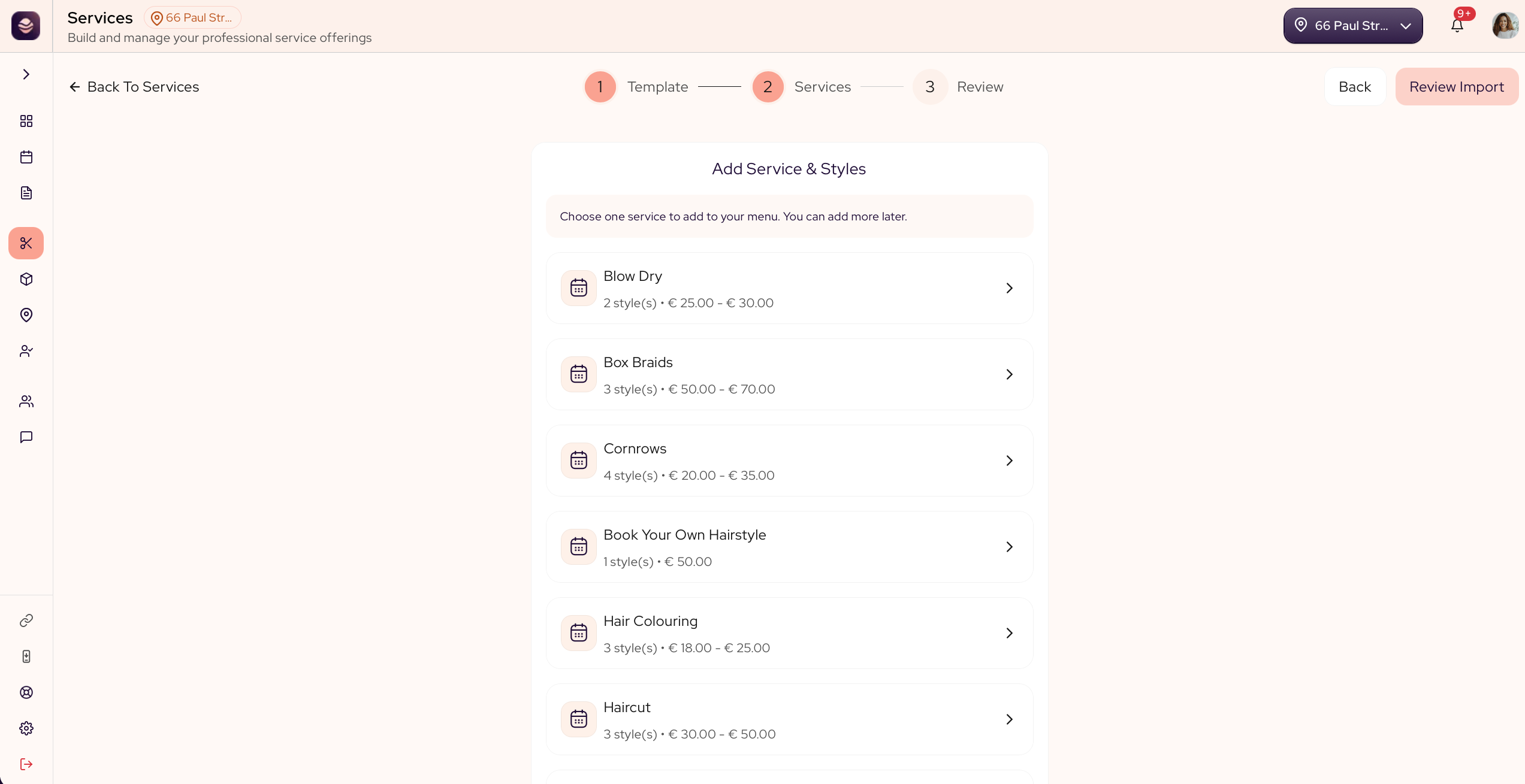
- Pick the template that fits your salon.
- Choose the categories and services you want from it.
- Import them.
The services land in your menu, ready to price, rename or build out with variants.
Updated 21 days ago
Did this page help you?