
Add a category
Group your services so clients find them fast
Categories are the top level of your menu. They group your services so a client finds what she wants in a tap, like Hair, Nails or Spa.
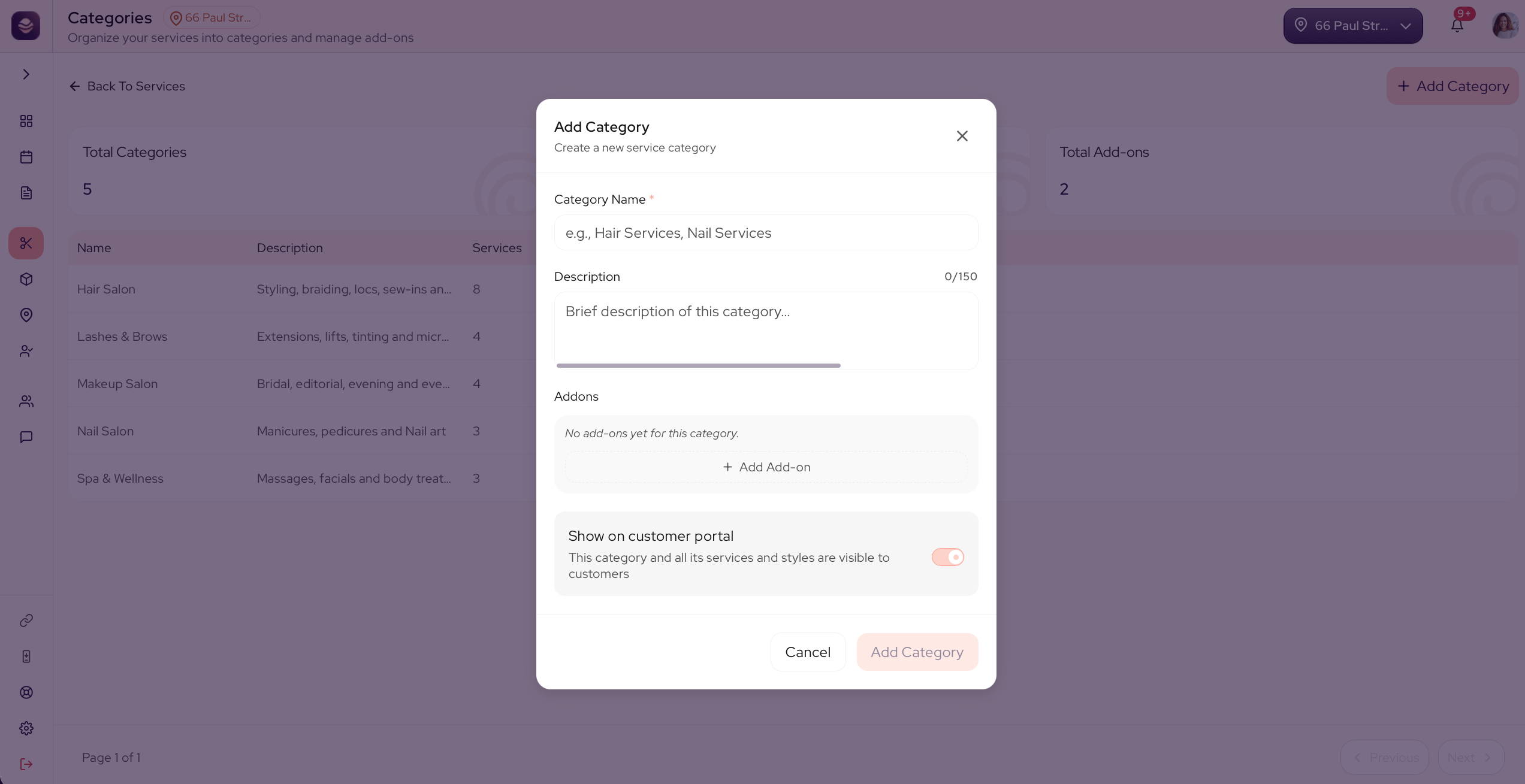
Add a category
- Go to Services.
- Select Add Category.
- Give it a name, like Hair or Lashes. A short description is optional.
- Save the category.
The category is also where you set its add-ons, the extras every service in it can offer.
Updated 21 days ago
Did this page help you?