
Import your clients
Bring your existing client list into SalonGrid
Moving to SalonGrid does not mean starting over. You can bring your whole client list in at once from a spreadsheet.
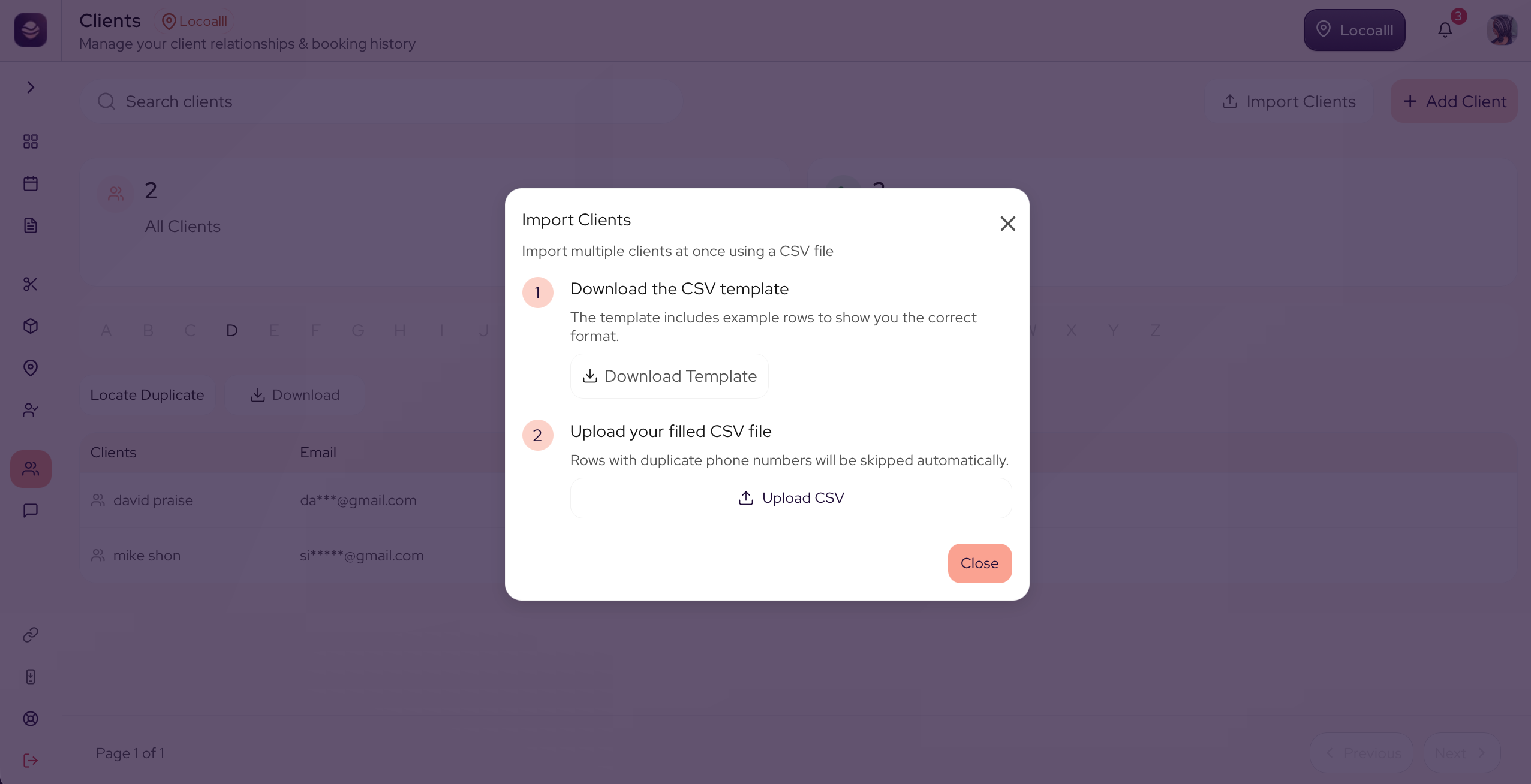
Import your clients
- Go to Clients.
- Open the import.
- Download the template. It is a spreadsheet with the right columns already set up.
- Fill the template with your clients, one per row, then save it.
- Upload the filled file.
Your clients are added, ready to book and to receive your reminders.
Updated 21 days ago
Did this page help you?