
Deactivate / Delete your account
Pause your account when you need to step away
If you need to step away from SalonGrid, you can deactivate your account. It pauses everything and holds your data, so you can come back if you change your mind.
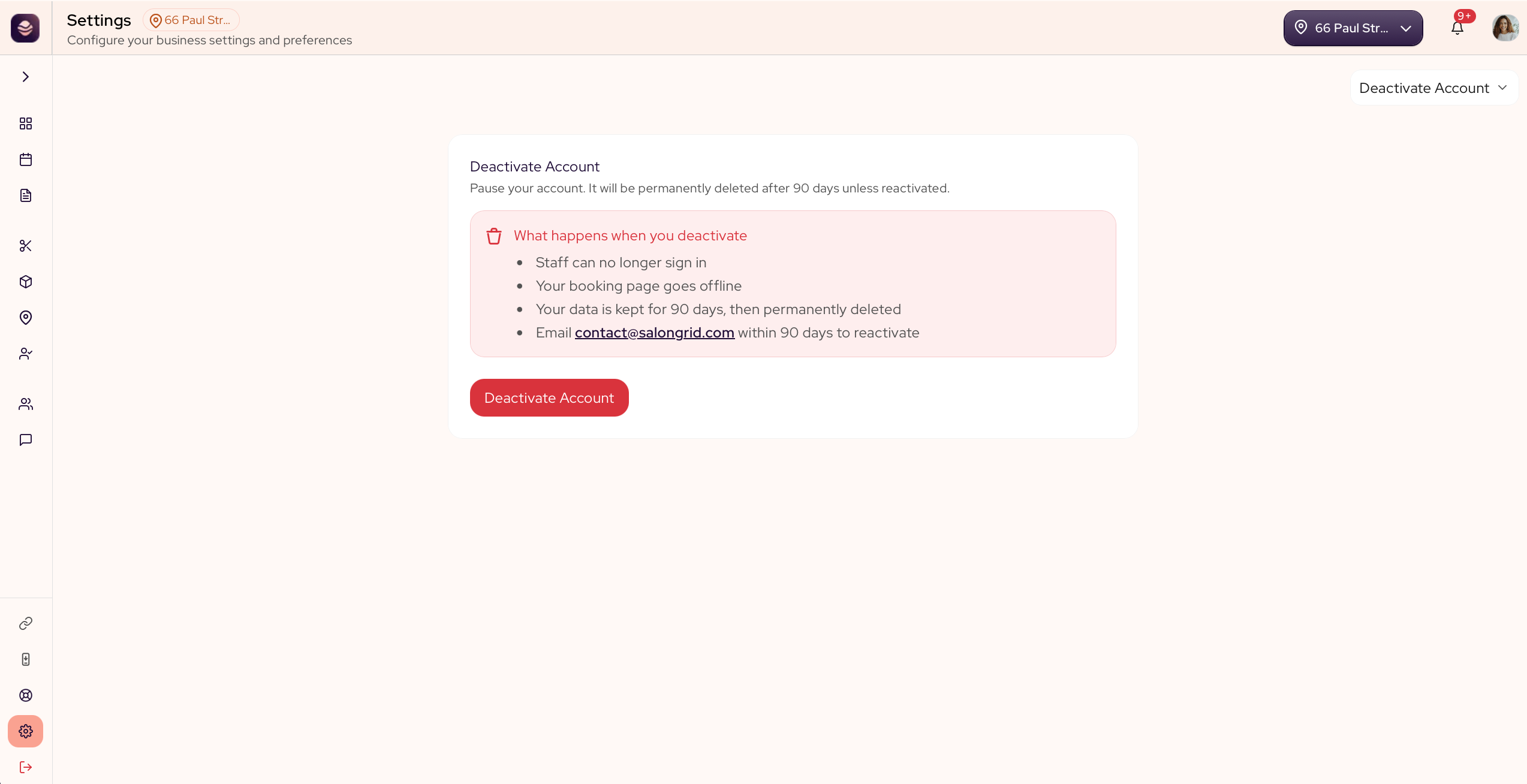
Deactivate your account
- Go to Settings and open Deactivate Account.
- Read what happens, then confirm.
When you deactivate:
- Your team can no longer sign in.
- Your booking page goes offline.
- Your data is kept for 90 days, then permanently deleted.
To come back, email [email protected] within 90 days.
Updated 21 days ago
Did this page help you?