
Get the SalonGrid App
Add SalonGrid to your home screen and run your salon from your phone.
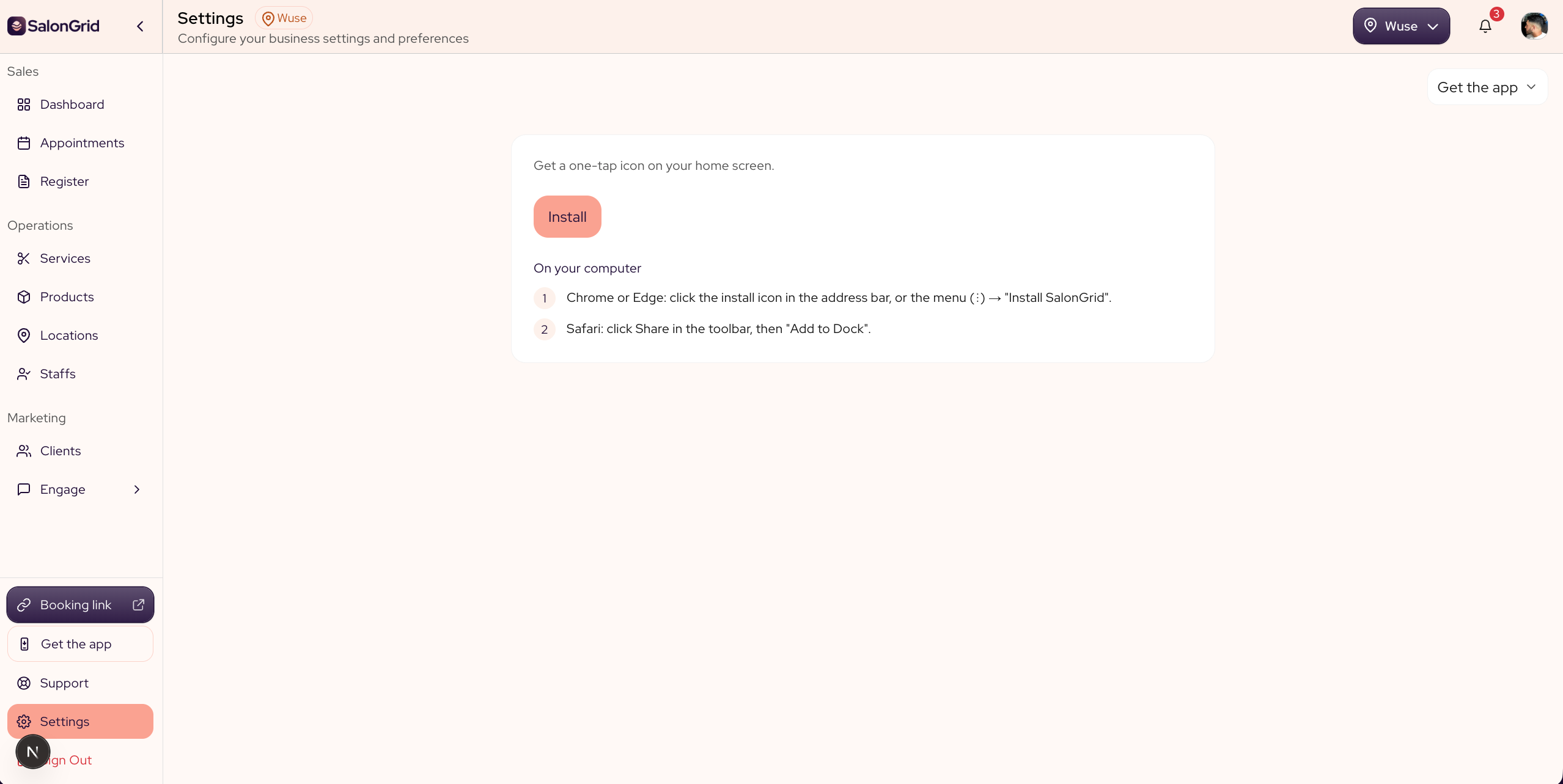
SalonGrid runs in your browser, and you can add it to your phone's home screen so it opens like an app. Your calendar, your bookings and your register are then one tap away, with no app store needed.
In this article
- Add SalonGrid on an iPhone
- Add SalonGrid on Android
- Add a shortcut for your clients
Add SalonGrid on an iPhone
On an iPhone you add SalonGrid from Safari.
- Open app.salongrid.com in Safari.
- Tap the Share button, the square with an arrow pointing up.
- Scroll down and tap Add to Home Screen.
- Tap Add.
The SalonGrid icon now sits on your home screen.
Add SalonGrid on Android
On Android you add SalonGrid from Chrome.
- Open app.salongrid.com in Chrome.
- Tap the three dots in the top corner to open the menu.
- Tap Add to Home screen, or Install if Chrome offers it.
- Tap Add.
The SalonGrid icon now sits on your home screen. Chrome often offers to install it for you, so you can tap that prompt instead when it shows.
Add a shortcut for your clients
Your clients can do the same with your booking link. They open the link you send by text or email, or the one in your bio, then add it to their home screen the same way. After that, booking with you is one tap.
Tip: You sign in the same way as on the web, with a code sent to your email. There is no password to remember.
Updated 3 months ago