
Step 4: Time
Set the hours you are open for bookings. Clients will only be able to schedule appointments within these windows.
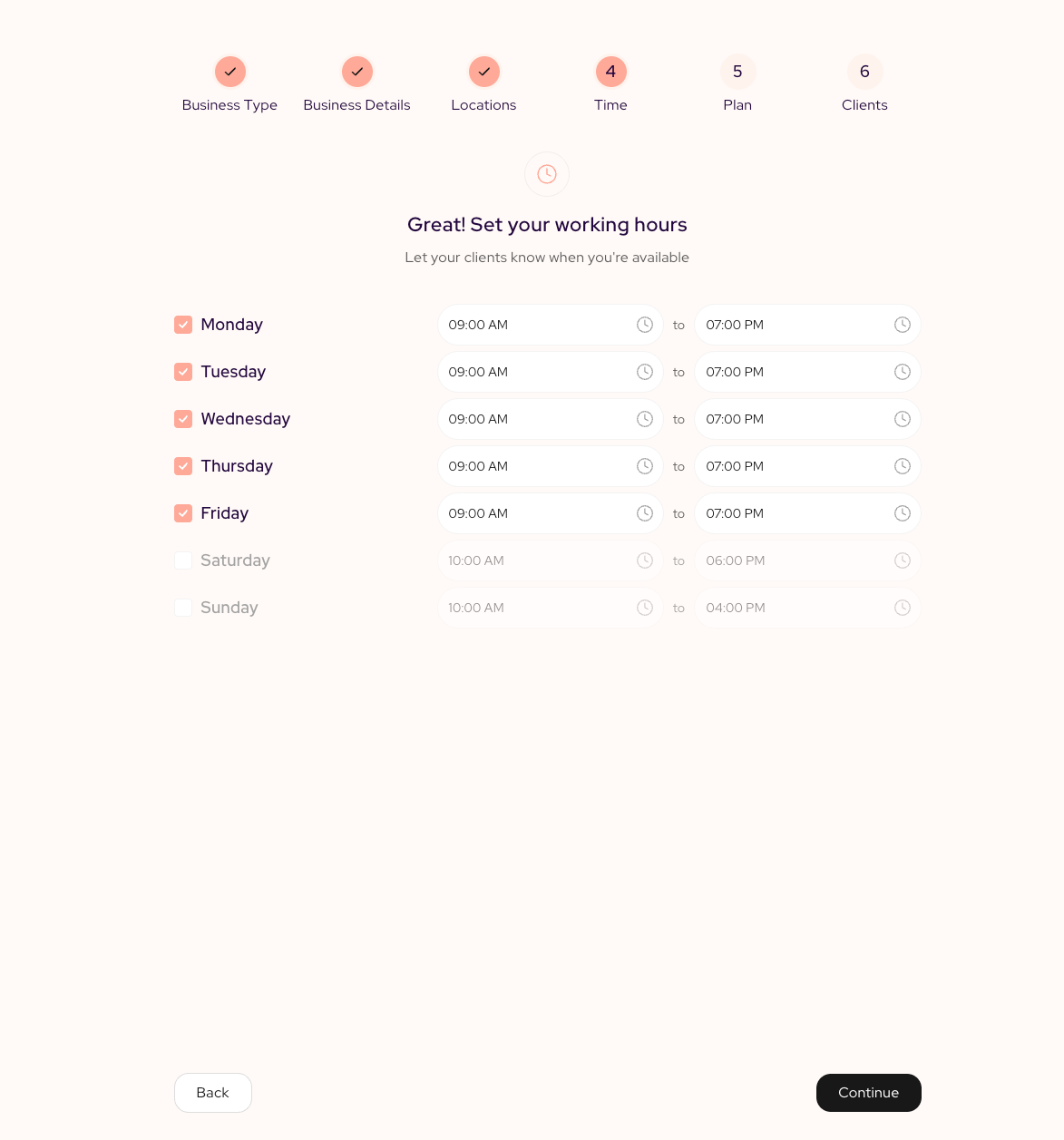
- Check a day to mark it as a working day, then set the open and close times.
- Uncheck a day to mark your business closed. Clients will not be able to book then.
By default, Monday through Friday are enabled with standard hours, and the weekend is off. Adjust each day to match your real schedule.
Tip: These are your overall business hours. You will be able to set more detailed availability, like individual staff schedules or lunch breaks, from your dashboard after onboarding.
Updated about 1 hour ago