
Step 6: Clients
If you are switching from another provider, you can bring your existing client list with you. This step is optional. Skip it if you are starting fresh.
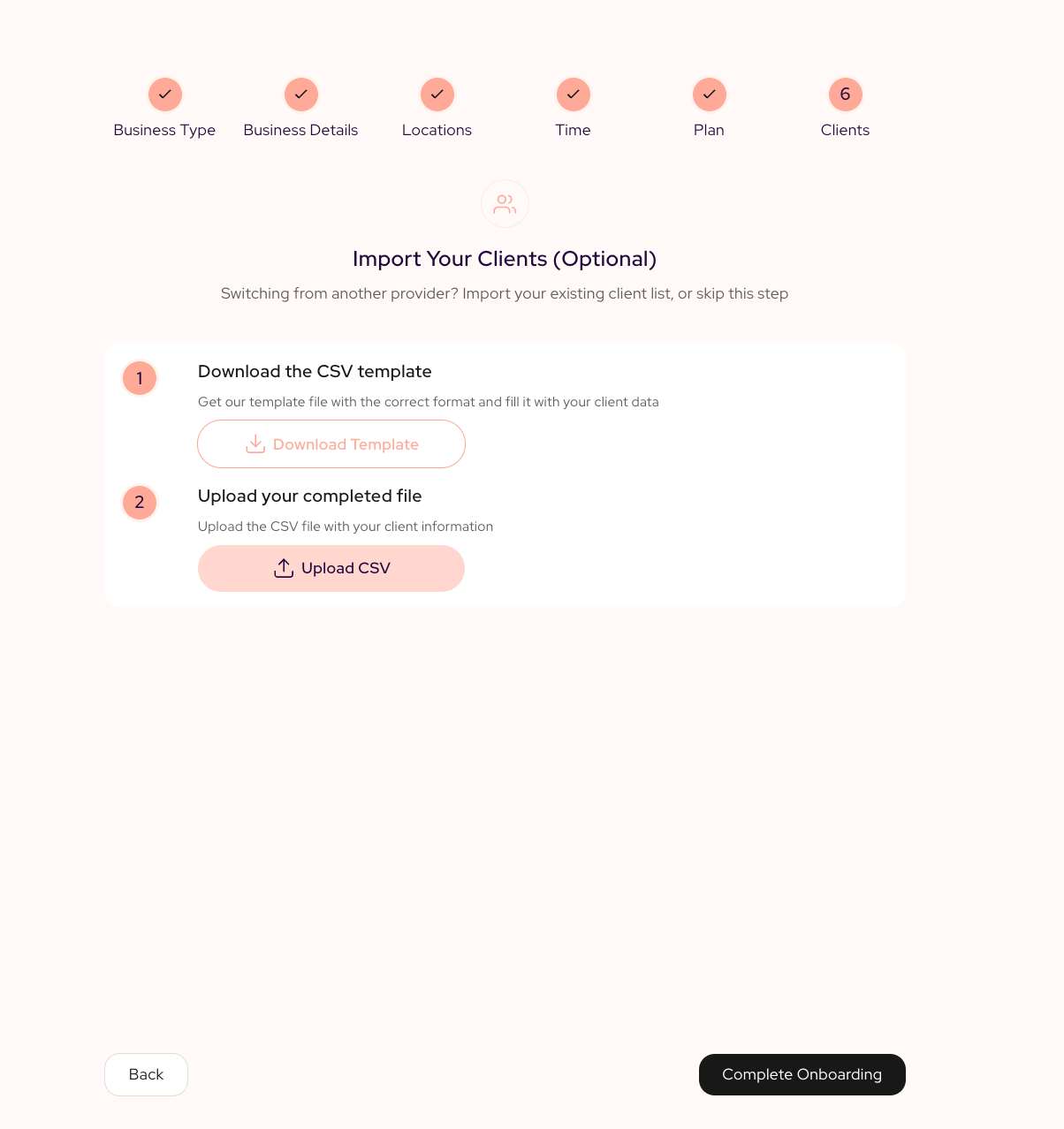
If you are switching from another provider, you can bring your existing client list with you. This step is optional. Skip it if you are starting fresh.
To import your clients:
- Download the CSV template. This file has the correct columns already set up.
- Fill it in with your client data, including names, contact details, and any notes.
- Upload your file using the Upload CSV button.
If anything in the file does not match the expected format, SalonGrid will flag it so you can fix it before the import completes.
When you are done, select Complete Onboarding.
What Happens Next
Once you complete onboarding, you are taken straight to your SalonGrid dashboard. From there you can:
- Adjust your service menu and pricing.
- Add staff members and their individual schedules.
- Share your booking link with clients.
- Start accepting appointments.
Welcome aboard. Your salon is ready for business.
Updated about 1 hour ago